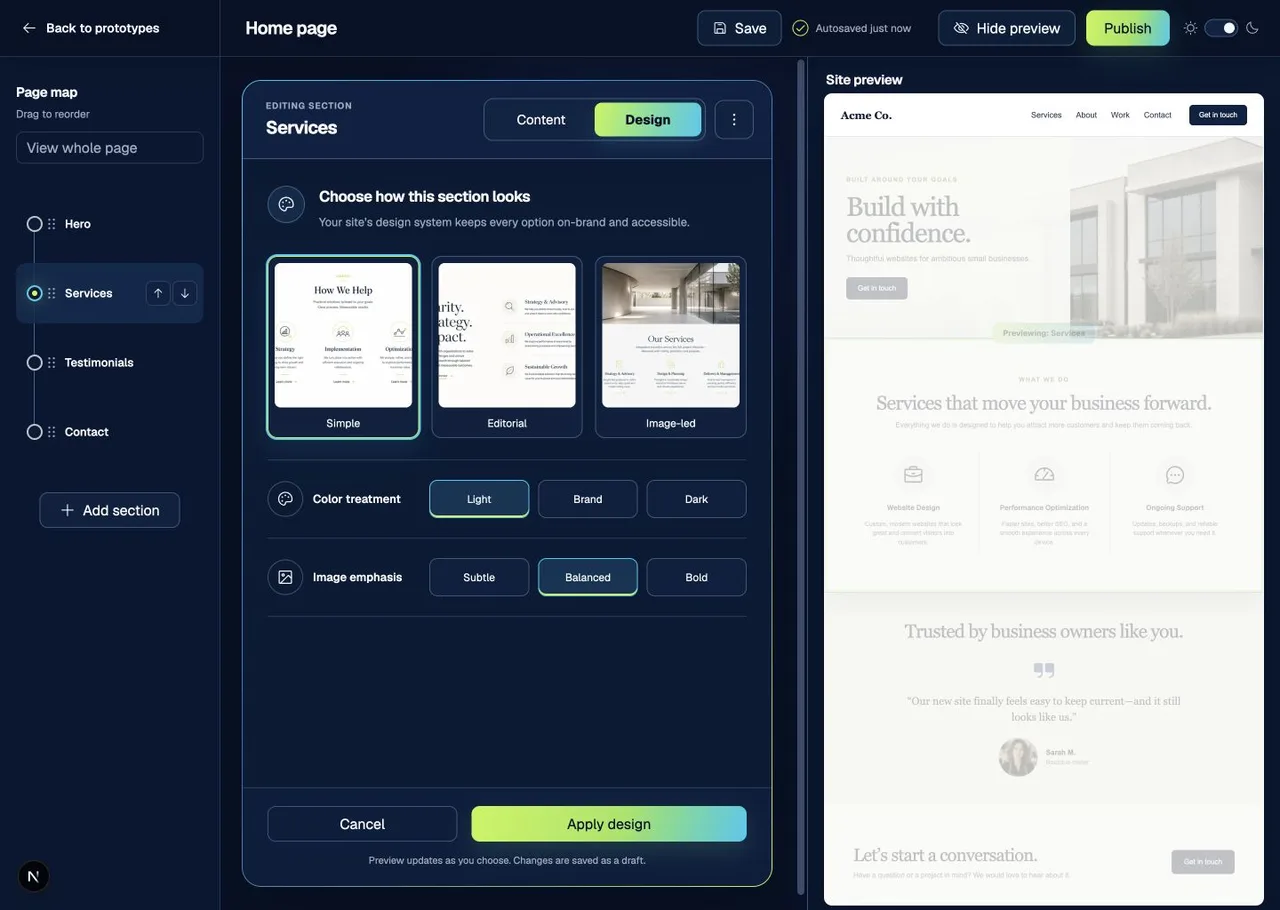
 Version 1
 Active research prototype
Client page editor
Baseline interaction model
A quieter, task-focused editing experience with a page map, guarded content and design controls, and an optional live site preview.
These prototypes are intentionally unfinished. Each version gives us something concrete to test, discuss, and improve with the people who build and manage WordPress sites.
Versions are numbered; alternate directions will be logged as variations.
Version 1Baseline interaction model
A quieter, task-focused editing experience with a page map, guarded content and design controls, and an optional live site preview.
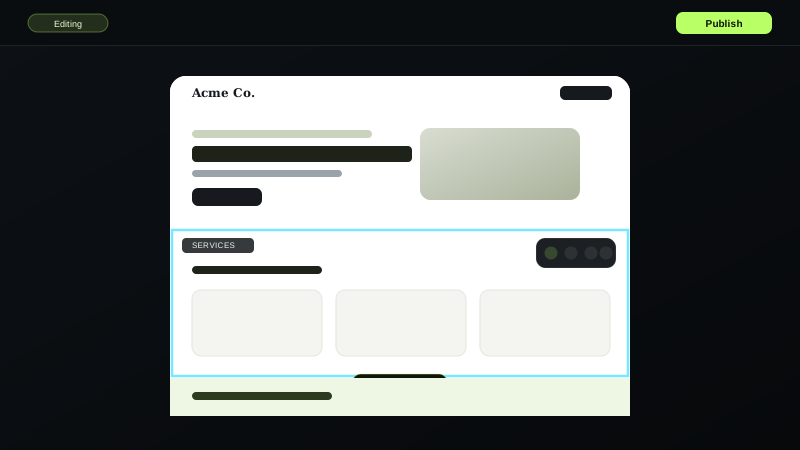 Version 1
Inline canvas — on-page editing
Editing happens directly on the rendered page. A floating toolbar attaches to whichever section is selected, text edits happen in place, and design changes apply immediately — no separate sidebar or preview pane.
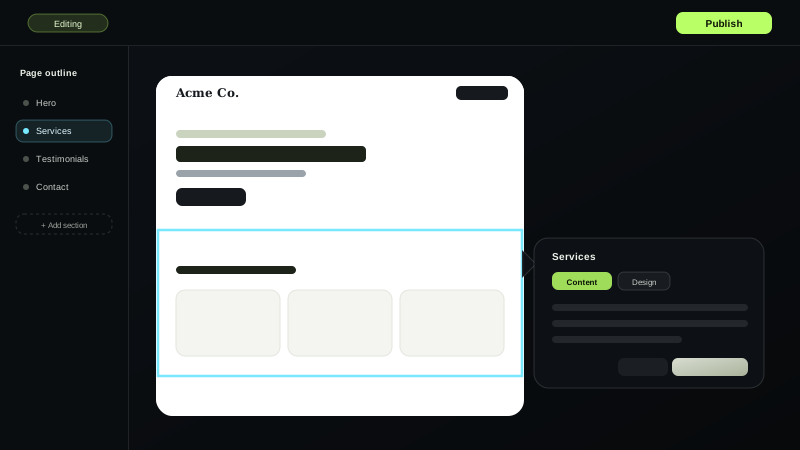 Version 1
Guided outline — anchored panel
An always-visible page outline sits beside the real page. Selecting a section opens a panel anchored to it, and design changes preview as a draft until you deliberately apply them.
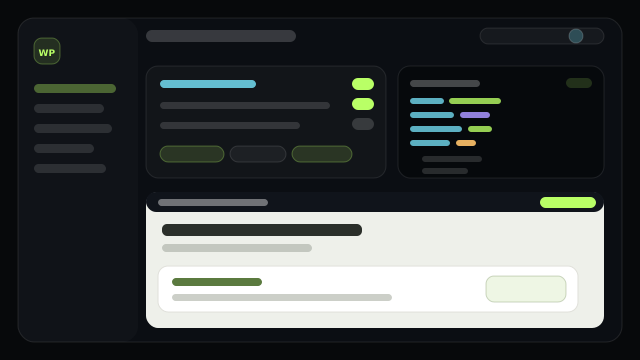 Version 1
SaaS direction — sites, policies, modules, blueprints
The agency side of WPS: govern every client site, shape what each client may do through a visual client-policy editor with a live JSON contract, reuse a versioned module library, start sites from blueprints, and search a copy-paste developer handbook. Every policy can be walked into with “Preview as client.”
 Version 1
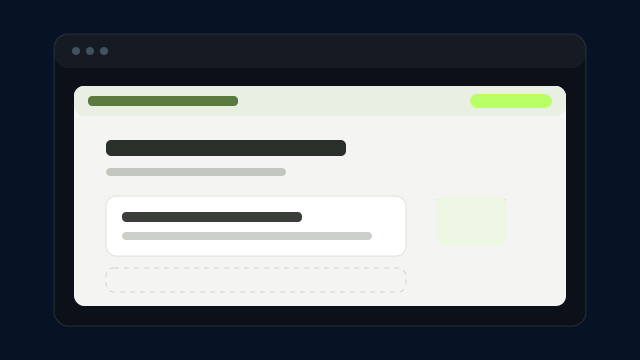
Content only — design delegated
The maximum-separation study. Clients edit a plain, document-like list of purpose-labelled blocks. There are no design controls at all; a persistent note makes clear that design, layout, and accessibility belong to the studio. The finished site opens only in a deliberate, read-only preview.
 Version 1
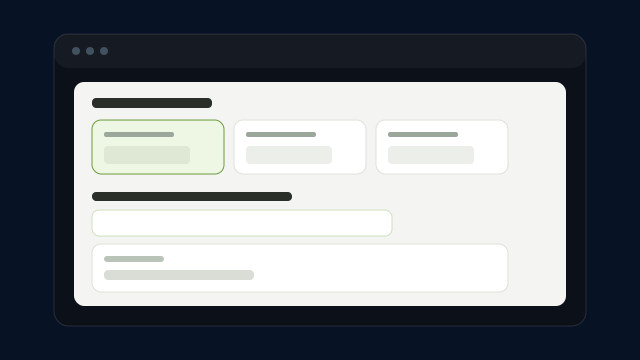
Design as purpose choices
Design is offered, but only as intent. Each section exposes a small, curated set of “this section’s job” choices with abstract previews and plain-language weight labels. Content fields stay primary, and a per-section peek shows the look on demand — never a full WYSIWYG page.
 Version 1
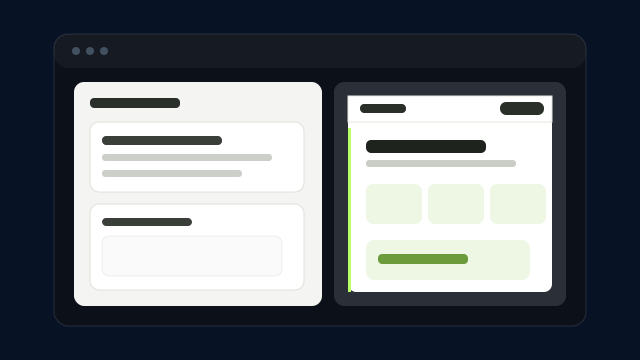
Gated content & design modes
A hard divide between two modes. Content mode locks the look entirely; design lives in a separate, explicitly entered workspace behind a confirmation that explains what changes and what cannot. An optional read-only canvas shows the real site as you work, off by default.